
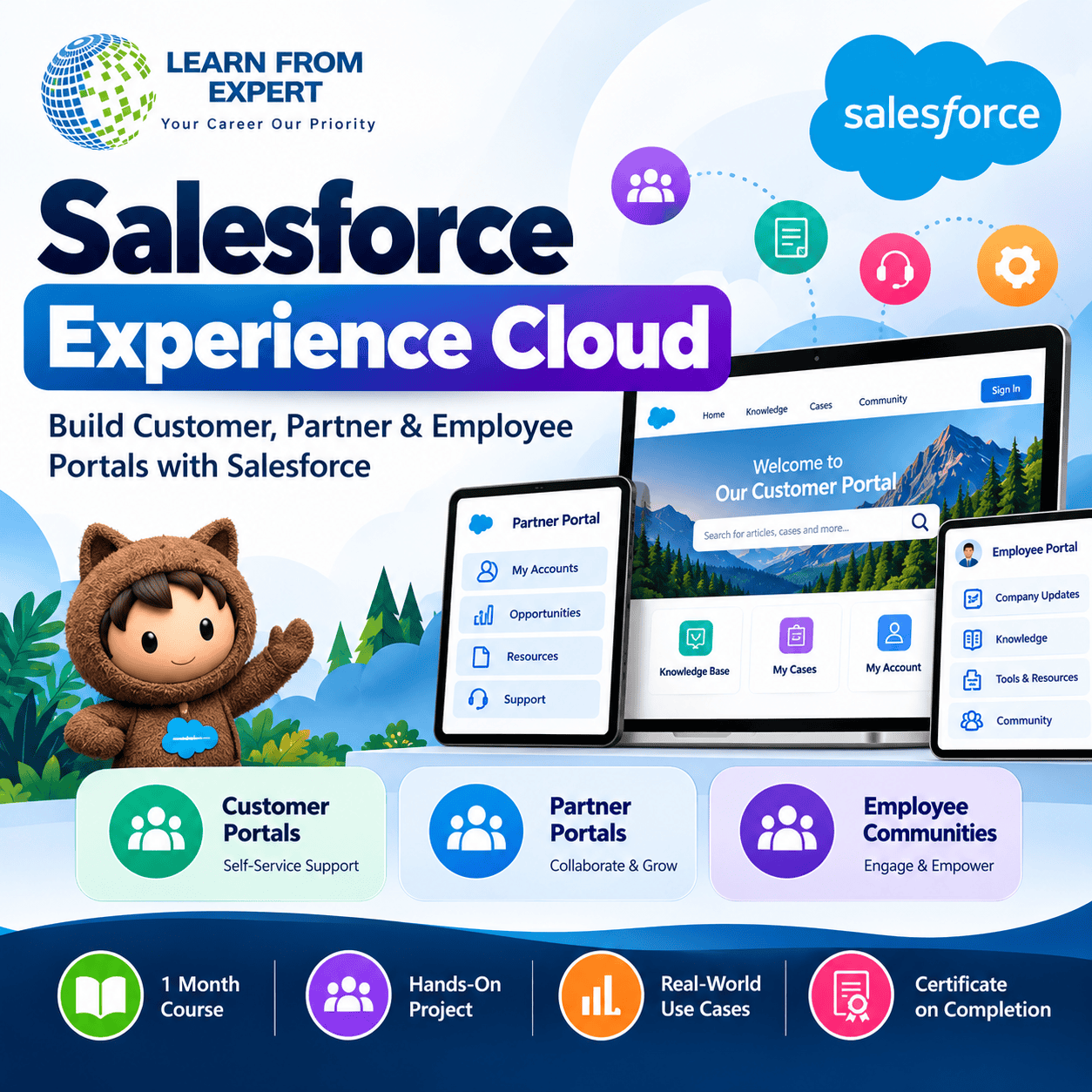
Salesforce Experience Cloud – Complete Training Program
Build Customer, Partner and Employee Portals with Salesforce
Salesforce Experience Cloud enables organizations to build connected digital experiences for customers, business partners, and employees. In this practical training program, you will learn how to create, customize, secure, and manage Salesforce portals using Experience Builder and core Salesforce administration features.
At Learn From Expert Class, our focus is on practical learning, guided configuration, real-world scenarios, and project-based understanding.
What You Will Learn
Module 1: Introduction to Experience Cloud
- Experience Cloud concepts, architecture, benefits, and business use cases
- Customer portals, partner portals, and employee communities
- Licenses, external user types, and site creation
Module 2: Experience Builder and Site Design
- Templates, themes, pages, layouts, and standard components
- Branding with logos, colours, and fonts
- Navigation menus, responsive pages, previewing, and publishing
Module 3: External Users and Access Management
- Account and Contact relationships
- External user setup, profiles, and permission sets
- Registration, login, guest user access, and troubleshooting
Module 4: Data Access, Sharing and Security
- Organization-Wide Defaults and external access
- Sharing Sets and Sharing Rules
- Object permissions, field-level security, and record visibility
Module 5: Customer Self-Service and CRM Integration
- Knowledge articles and portal search
- Case creation and tracking
- Salesforce record lists, record details, and related information
- Flow automation, notifications, reports, and dashboards
Module 6: Partner Portals and Advanced Configuration
- Partner Relationship Management fundamentals
- Partner users, Leads, and Opportunities
- Audiences, personalized experiences, page visibility, and navigation
- Mobile usability, performance, and troubleshooting
Module 7: Real-Time Project and Interview Preparation
- End-to-end portal configuration
- Testing, user acceptance testing, and access validation
- Deployment concepts and troubleshooting scenarios
- Practical assignments, mock interviews, and project walkthrough
Hands-On Project
Build a Customer Self-Service Portal by configuring the site, external users, access permissions, Knowledge search, Case management, branding, and navigation. Test the experience and present your implementation.
Course Benefits
- Live instructor-led online classes on Zoom
- Maximum 5 students per batch for focused learning
- Hands-on configuration and practical assignments
- Real-world implementation scenarios
- Interview preparation and project walkthrough support
- Course completion certificate, subject to institute requirements
Course Prerequisite
Salesforce Admin knowledge is a must. Familiarity with Accounts, Contacts, Cases, profiles, permission sets, and sharing concepts is recommended.
Start building practical Salesforce Experience Cloud skills with Learn From Expert Class.

Reviews
There are no reviews yet.